Start offline
Disconnect before you generate.
The safest way to use this tool is to download it, disconnect from the internet, and open it locally. Use an air-gapped computer if possible.
- 01Download & extractKeep the whole folder together.
- 02DisconnectTurn off Wi-Fi and unplug Ethernet.
- 03Open index.htmlUse a clean browser without extensions.
- 04Generate & back upPrint or write down; store securely.
Your wallet
Generate a paper wallet
Creates an Ed25519 classic address and family seed in this browser. No account lookup or network connection is needed.
Online use is less secure. A compromised website, browser, or device can expose your seed. Download and disconnect before creating a wallet you intend to fund.
Opened as a local file. This does not prove your computer is offline. Confirm that all network connections are disabled before continuing.
Loading local generation libraries…
Before you fund it
Back up first. Test with a small amount.
Activation and reserves
A newly generated address is not activated on the XRP Ledger. An ordinary account is created after an incoming payment of at least the current base reserve is validated.
- Base reserve
- 1 XRP1,000,000 drops
- Owner reserve
- 0.2 XRP200,000 drops per reserve-counted object
These are Mainnet reserve requirements. Validators set them, and they can change. Reserve XRP is generally unavailable to spend while it is required by your account. Check the official reserve documentation before funding.
Start with a small transfer that meets the current activation minimum. Verify the destination address and your recovery process before sending the full amount. Keep additional XRP available for transaction fees.
Your seed controls your funds
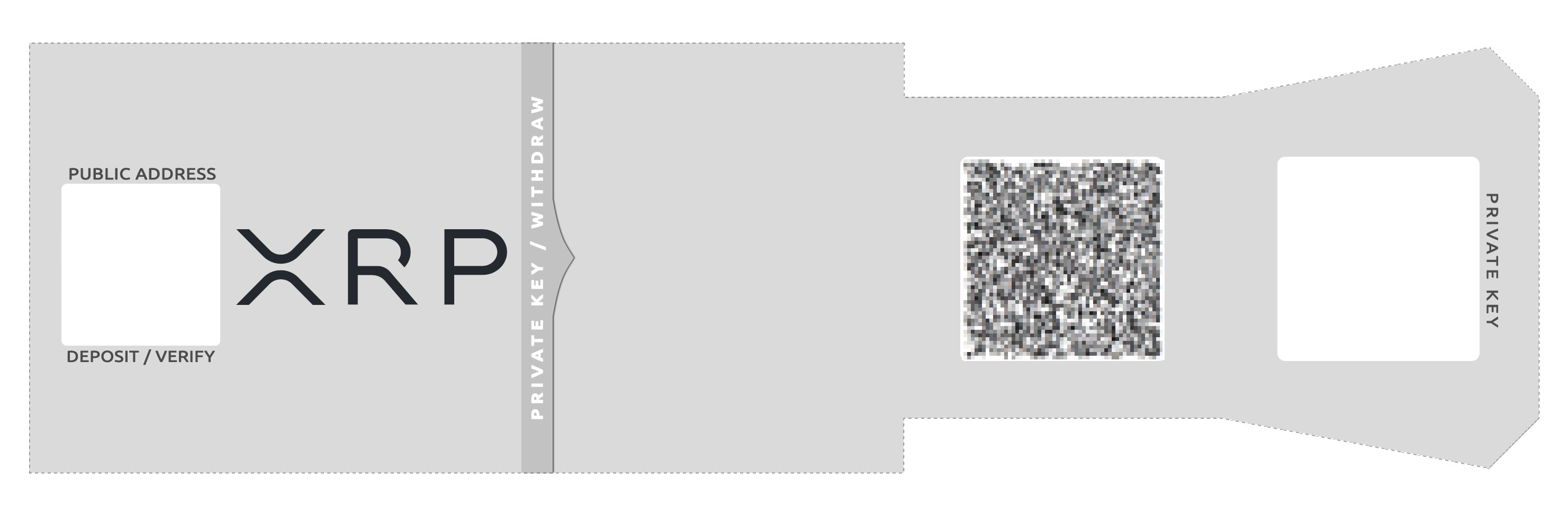
Never share the family seed. Anyone who has it can control the account. The address is safe to share when receiving XRP; the seed and its QR code are private.
Never enter the seed on a website. Recover only with verified, trusted wallet software under your control. Entering the seed on a connected device means it is no longer an offline secret.
Keep multiple printed or handwritten copies in different secure physical locations. Consider a metal backup for larger amounts. Avoid screenshots, cloud storage, shared computers, and cloud printing.
Read the XRPL offline account setup tutorialSeparate storage from everyday use
A cold wallet keeps its signing secret offline. A warm wallet is accessed occasionally with controlled signing. A hot wallet is available on a connected device for frequent transactions. Separate accounts can limit the funds exposed if one secret is compromised.
A paper backup helps only if the computer, generation process, printer, and physical storage are trustworthy.